Linux vs Windows: Which One Should You Actually Use in 2026?
Neither Linux nor Windows has a clear universal edge in 2026 — the right choice depends on your specific use case, from gaming and creative work to development and enterprise tools.
Neither Linux nor Windows has a clear universal edge in 2026 — the right choice depends on your specific use case, from gaming and creative work to development and enterprise tools.
Windows 11 lets you reset your PC and reinstall the OS without losing your personal files. Here’s how to use Reset this PC safely, step by step.
Windows 11 has free, built-in backup tools that take under 10 minutes to set up. Here’s how to use File History, system image backup, and a recovery drive to protect what matters.
If your Windows 11 PC is acting strange, don’t panic — most malware infections can be cleaned up yourself with the right tools and a bit of patience. This guide walks you through every step, from Safe Mode to browser cleanup.
Windows 11 has a talent for quietly eating your disk space. Here’s how to take it back — no tech expertise needed, just a few built-in tools and 30 minutes.
Windows 11 feeling sluggish? These 12 tested tweaks — from killing startup apps to fixing power plans — will noticeably speed things up without reinstalling anything.

A hands-on look at the best free antivirus options for Windows in 2026, from the built-in Defender to Bitdefender and Avast. Find out which one actually suits your needs.
Your PC doesn’t need to wait for an antivirus to tell you something’s wrong. Learn the real-world symptoms — from CPU spikes to disabled Defender — that reveal a malware infection before you even run a scan.
Install Windows 11 on Any PC with Ventoy This application lets you install Windows 11 on machines that are not compatible due to their hardware. Installing Windows 11 can be a complete headache and, in fact, many people still use Windows 10 simply because their hardware doesn’t pass Microsoft’s official compatibility checks. TPM 2.0, Secure…
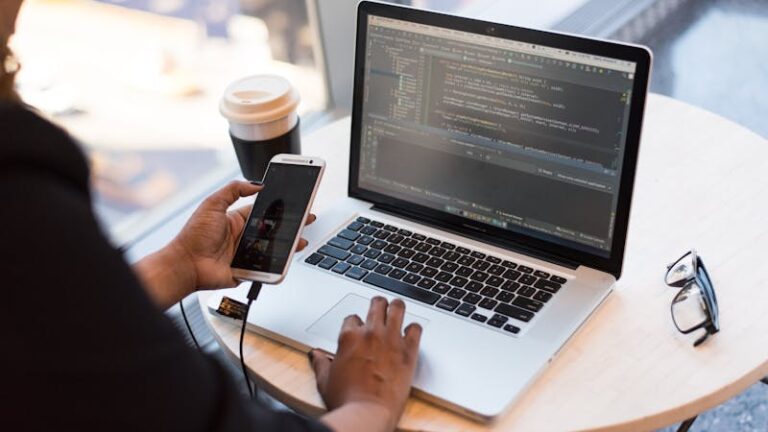
As technology advances, the need for versatile and adaptable tools keeps growing, especially for day-to-day work. That is why installing two operating systems on a single computer has become a practical option for many users. This is where dual booting plays an important role — it is a feature that lets you choose between different…