Windows 11 Install Takes Hours How to Speed Up
Windows 11 install taking hours? Speed it up with an SSD, offline setup, freeing disk space, resetting Update components, and checking drive health.

Windows 11 install taking hours? Speed it up with an SSD, offline setup, freeing disk space, resetting Update components, and checking drive health.

The best safe Windows 11 registry tweaks for performance, plus the myths to avoid, with exact keys, backups, and better real-world alternatives.
Fix Windows 11 mouse cursor lag: USB power settings, driver updates, disabling pointer precision, and clearing background resource and interference issues.

Disable Windows 11 telemetry as far as possible using Settings, Group Policy, the Registry, the DiagTrack service, scheduled tasks, and network blocking.
A Windows 11 BIOS settings optimization guide: enable TPM and Secure Boot, turn on XMP/EXPO, tune boot and fan settings, and recover safely.
Fix loud Windows 11 fan noise: find what is heating the PC, clean dust, tune power and fan curves, update drivers, and rule out malware.

Recover deleted files in Windows 11 using the Recycle Bin, File History, Previous Versions, OneDrive, and tools like Windows File Recovery and Recuva.
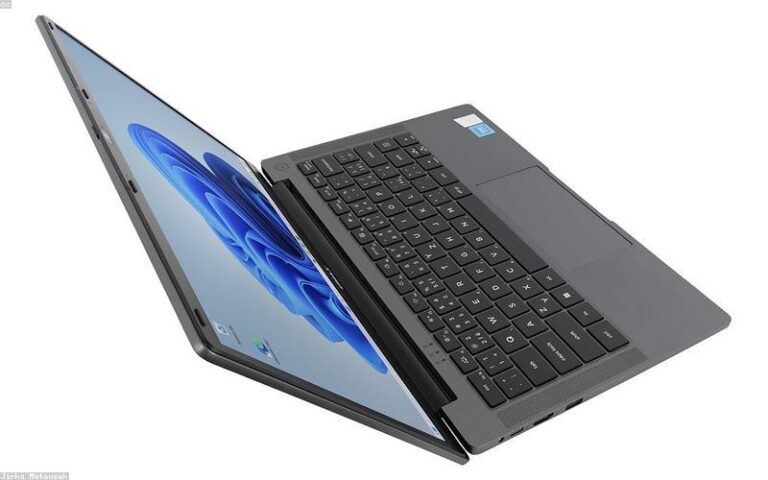
Enable God Mode in Windows 11 with one folder rename to access 200+ settings in one place, plus other hidden shell folders and safety notes.

The Windows 11 keyboard shortcuts everyone should know, covering window snapping, virtual desktops, screenshots, clipboard history, and text editing.
Fix a Windows 11 black screen after update: restart Explorer, boot Safe Mode, roll back graphics drivers, uninstall the update, and repair Windows.