Windows 11 System Reserved Partition Full
Windows 11 System Reserved partition full? Learn what it does and how to safely free space or enlarge it to fix update error 0x80070070.
Tips, guides, and analysis for Windows 10 and 11. From installation to advanced optimization, everything you need to know about Microsoft’s operating system.
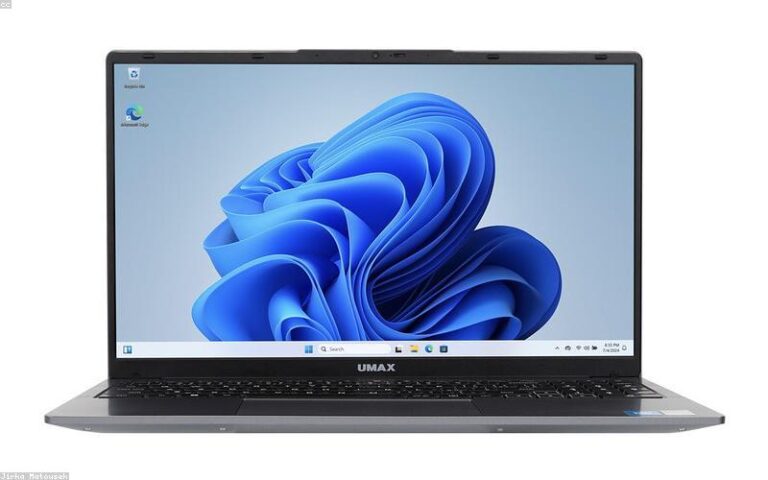
Windows 11 System Reserved partition full? Learn what it does and how to safely free space or enlarge it to fix update error 0x80070070.
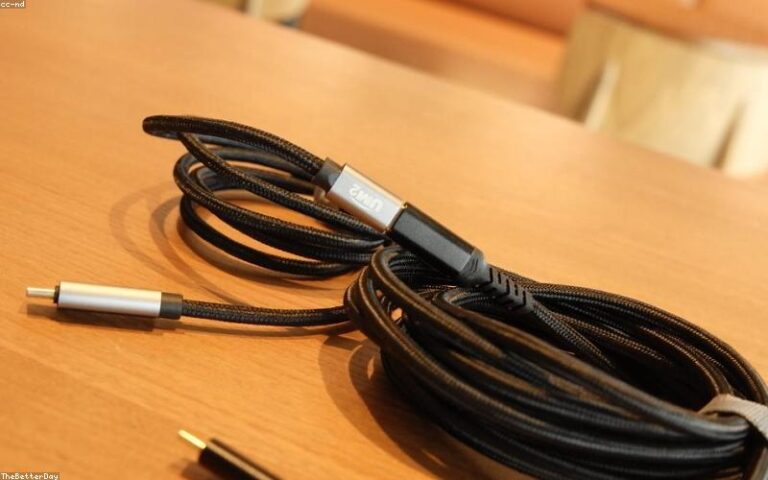
Fix Windows 11 USB not recognized: reinstall drivers, disable USB selective suspend, assign a drive letter, and update chipset drivers.
Fix Windows 11 Bluetooth not working: restart the Bluetooth service, update or roll back drivers, run the troubleshooter, and re-pair devices fast.
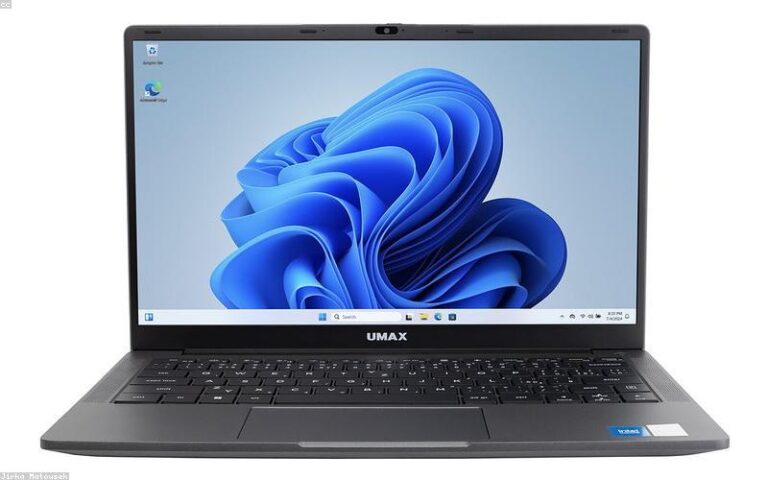
Learn how to add Windows 11 context menu items via the Registry, including file, folder, and desktop entries, icons, submenus, and safe removal.

Windows 11 install taking hours? Speed it up with an SSD, offline setup, freeing disk space, resetting Update components, and checking drive health.

The best safe Windows 11 registry tweaks for performance, plus the myths to avoid, with exact keys, backups, and better real-world alternatives.
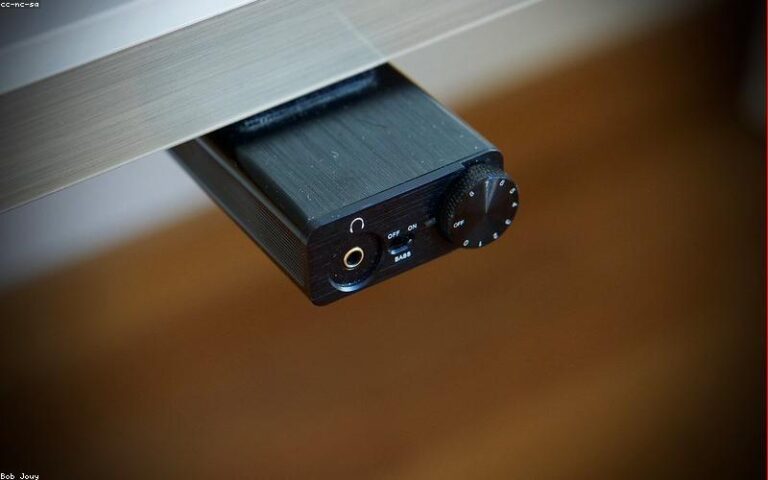
Fix Windows 11 mouse cursor lag: USB power settings, driver updates, disabling pointer precision, and clearing background resource and interference issues.

Disable Windows 11 telemetry as far as possible using Settings, Group Policy, the Registry, the DiagTrack service, scheduled tasks, and network blocking.
A Windows 11 BIOS settings optimization guide: enable TPM and Secure Boot, turn on XMP/EXPO, tune boot and fan settings, and recover safely.
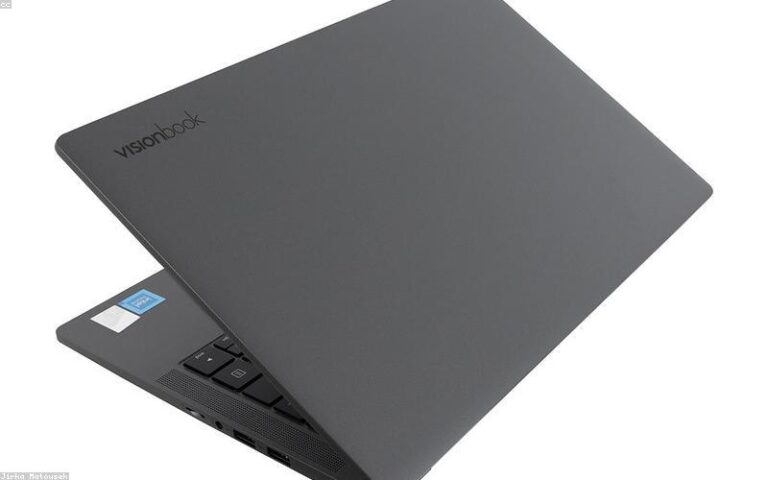
Fix loud Windows 11 fan noise: find what is heating the PC, clean dust, tune power and fan curves, update drivers, and rule out malware.