Screen Recording Windows 11: All Methods
Record your screen in Windows 11 using every method: Snipping Tool, Xbox Game Bar, OBS Studio, and PowerPoint, with sound and no watermark.
Step-by-step guides on Windows, Linux, security, and software tools. Learn to configure, optimize, and get the most out of your PC.

Record your screen in Windows 11 using every method: Snipping Tool, Xbox Game Bar, OBS Studio, and PowerPoint, with sound and no watermark.

A benchmark is a test that measures the actual performance of your PC components: CPU, GPU, storage and RAM. Useful for detecting if something is not…
There are two types of IP address you need to know: public IP (what the internet sees, assigned by your ISP) and private IP (your PC’s address within your…
Knowing your CPU temperature is essential to detect overheating before it causes damage. Windows 11 has no built-in temperature monitor (except in BIOS),…
The Blue Screen of Death (BSOD) is Windows’ most feared error. It appears when the system detects a critical failure it cannot recover from. The good…

Windows 11 includes native ZIP support with no extra software. For RAR or 7z formats you will need a free tool. Here is everything you need to…

Want to block social media to focus, restrict certain sites for your kids, or simply cut distractions? Windows 11 offers several ways to do it, from the…
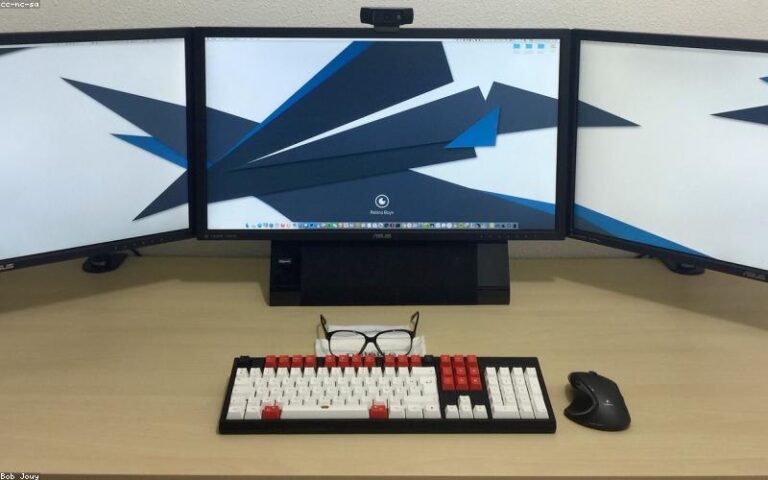
Dual monitors are one of the best productivity upgrades per dollar you can make. You don’t need expensive hardware — any modern monitor and a halfway…
Outdated drivers are behind many problems that seem mysterious: blue screens, devices that stop working, games that perform poorly despite decent…

Adobe Acrobat Reader is still the most well-known PDF reader, but it’s far from the best option for most people. It’s bloated, updates constantly, and its…