Windows 11 How to Optimize Performance: Complete Guide
Speed up Windows 11 with practical optimizations: startup apps, visual effects, storage cleanup, drivers, and advanced tuning for a faster PC.
Tips, guides, and analysis for Windows 10 and 11. From installation to advanced optimization, everything you need to know about Microsoft’s operating system.

Speed up Windows 11 with practical optimizations: startup apps, visual effects, storage cleanup, drivers, and advanced tuning for a faster PC.
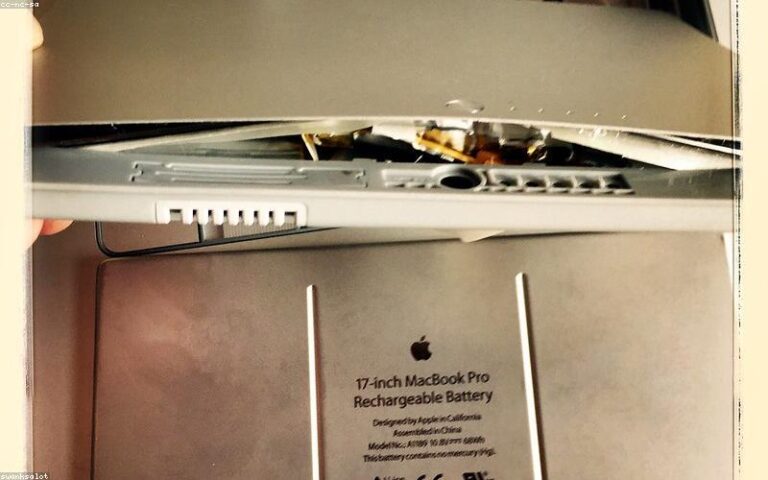
Extend your laptop battery life on Windows 11 with the best power, display, background app, and wireless settings. Add hours of runtime.
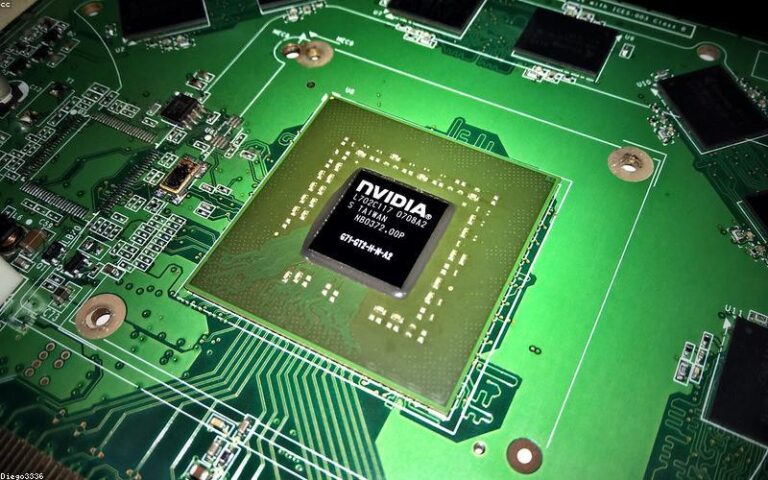
High RAM usage in Windows 11 can make your computer slow and unresponsive. Here's how to identify the culprit and fix it permanently.Normal vs…

Boost FPS in Windows 11 with the best gaming settings: Game Mode, GPU scheduling, refresh rate, drivers, and features that steal frames.
Fix a stuck Windows 11 update step by step: troubleshooter, clearing the update cache, SFC and DISM repairs, and last-resort solutions.

Windows 11 can slow down over time due to unnecessary background processes, bloatware, and outdated drivers. In this guide, we'll show you exactly…
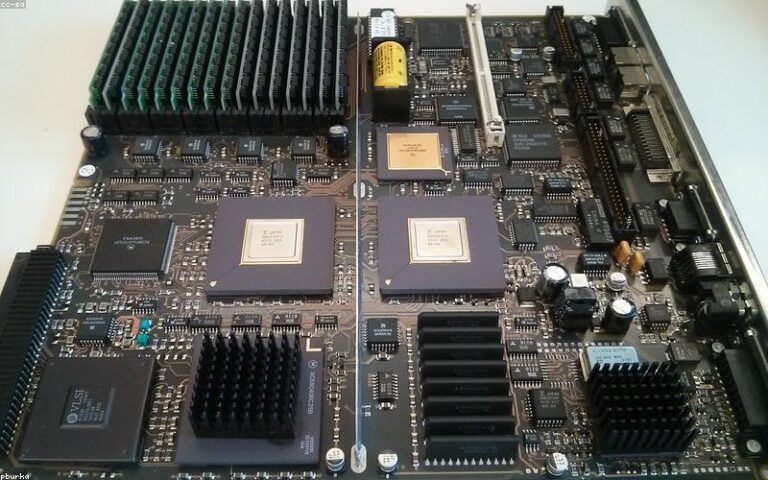
How much RAM do you need in 2026? Recommendations for gaming, content creation, and everyday use, plus DDR4 vs DDR5 and dual-channel tips.

Windows 11 keyboard shortcuts can save you dozens of clicks per day. Here are the most useful ones grouped by category, from basics to the ones most…

Windows 11 ships with several settings that are not optimized for gaming. With the right changes you can get more FPS, less stuttering and faster load…

Microsoft Copilot is the AI assistant built into Windows 11. It is free, based on GPT-4, and can help with system tasks, writing, document summarization…