How to Speed Up Windows 11: 12 Tweaks That Actually Work
Windows 11 feeling sluggish? These 12 tested tweaks — from killing startup apps to fixing power plans — will noticeably speed things up without reinstalling anything.
Tips, guides, and analysis for Windows 10 and 11. From installation to advanced optimization, everything you need to know about Microsoft’s operating system.

Windows 11 feeling sluggish? These 12 tested tweaks — from killing startup apps to fixing power plans — will noticeably speed things up without reinstalling anything.

A hands-on look at the best free antivirus options for Windows in 2026, from the built-in Defender to Bitdefender and Avast. Find out which one actually suits your needs.
Your PC doesn’t need to wait for an antivirus to tell you something’s wrong. Learn the real-world symptoms — from CPU spikes to disabled Defender — that reveal a malware infection before you even run a scan.
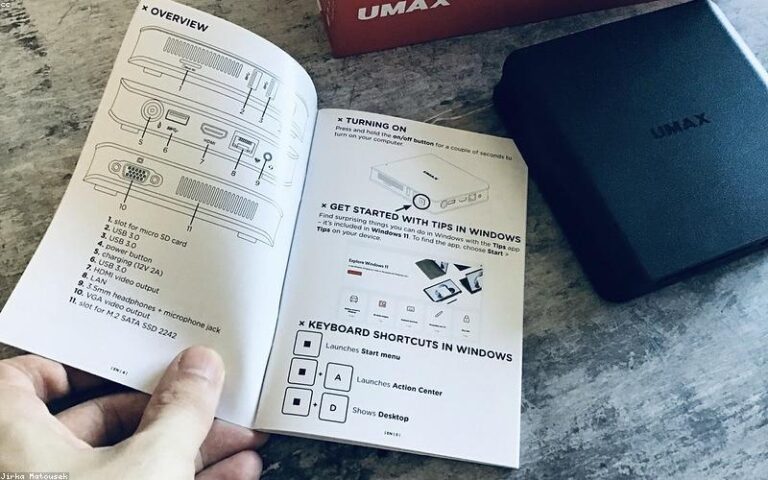
Table of Contents Toggle Install Windows 11 on Any PC with VentoyWhat Is Ventoy and Why Does It Work?What You’ll Need Before You StartStep-by-Step:…

As technology advances, the need for versatile and adaptable tools keeps growing, especially for day-to-day work. That is why installing two operating…
There are several tricks that many people are unaware of that could help you configure certain parts of Windows 11 to your liking, giving your operating…

If you want to know how you can run the Linux operating system within Windows, you’ve come to the right place — we’re going to walk you…
Sometimes it is necessary to create a hard drive partition — for example, to install another operating system. In Windows, you can do this easily thanks…
Microsoft has just revealed an «official» method to bypass one of Windows 11’s most controversial requirements, TPM 2.0, and still install it on…
Microsoft has made good on its word and released an update that adds ads to Windows 11. Users who install it will start seeing promoted apps in the Start…