Best Free Software for Windows in 2026: The Complete List
Every time I set up a Windows machine from scratch, I have a mental checklist of programs I install before anything else. Not because someone told me to —…
Every time I set up a Windows machine from scratch, I have a mental checklist of programs I install before anything else. Not because someone told me to —…
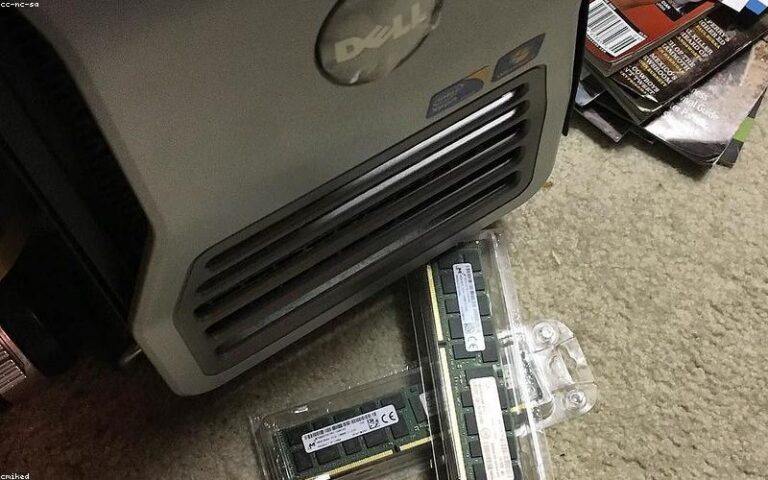
RAM recommendations have changed fast. Here’s a no-nonsense breakdown of what 8, 16, 32, and 64 GB actually mean for real workloads in 2026.
After testing five free PC cleaners on a real Windows 11 machine, BleachBit comes out on top — and yes, it’s finally time to ditch CCleaner.
Windows 11 collects more than most users realize — but you can shut most of it down. A practical, no-fluff guide to reclaiming your privacy.

Neither Linux nor Windows has a clear universal edge in 2026 — the right choice depends on your specific use case, from gaming and creative work to development and enterprise tools.

Windows 11 lets you reset your PC and reinstall the OS without losing your personal files. Here’s how to use Reset this PC safely, step by step.

Complete guide to installing Linux alongside Windows 11 in dual boot: prepare the disk, create the installation USB, configure GRUB, and solve common problems.
Windows 11 has free, built-in backup tools that take under 10 minutes to set up. Here’s how to use File History, system image backup, and a recovery drive to protect what matters.
Guide to setting up Windows Defender at maximum level in Windows 11: real-time protection, firewall, exclusions, ransomware protection, and scheduled scans.

If your Windows 11 PC is acting strange, don’t panic — most malware infections can be cleaned up yourself with the right tools and a bit of patience. This guide walks you through every step, from Safe Mode to browser cleanup.