KeePassXC: An Alternative to KeePass for Managing Your Passwords
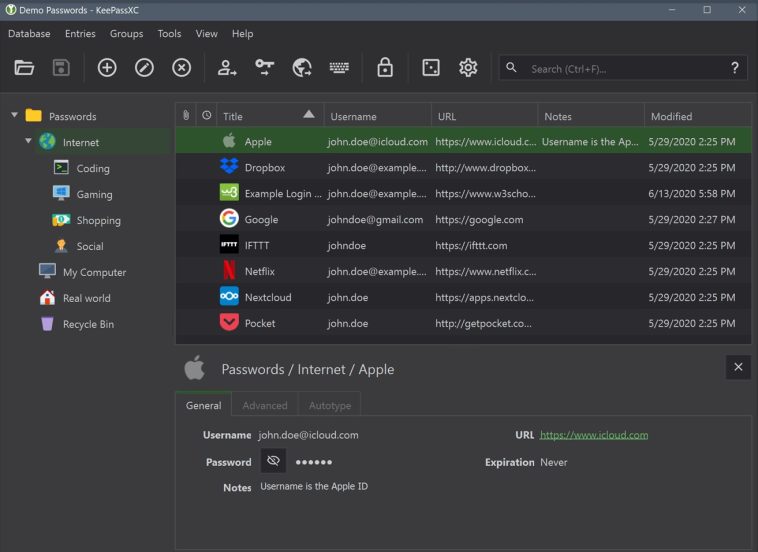
KeePass has been (and still is) a solid recommendation for managing passwords, but being an open source project, over time several interesting alternative clients emerged — and one of them is KeePassXC. This application not only opens databases compatible with KeePass 2.x, but also offers additional security features worth taking a closer look at.
Password managers are not having an easy time lately, and the reason is obvious: They are high-priority targets for many malicious actors out there. But today’s story begins with the publication of CVE-2023-24055, a vulnerability affecting KeePass 2.53 and earlier versions. How does the vulnerability work? KeePass has a triggers system that allows users to automate certain actions. With its default settings, an attacker with direct write access to the KeePass configuration file can set up a trigger so that database credentials are exported in plaintext silently in the background without user confirmation, once the database is opened.
But the real controversy arose because Dominik Reichl, KeePass’s developer, not only decided to dispute the validity of the CVE, but also effectively declared it a “wontfix.” Why? From his perspective, if an attacker has that level of access, the system is already compromised and they could do far worse things. The debate on the official KeePass forum is fascinating, with compelling arguments on both sides, but the real question is: what can a user do? In general terms, three paths are mentioned: downgrade to KeePass 1.4x, which does not have the triggers system; harden KeePass with a static configuration file; or look for an alternative client such as KeePassXC.
KeePassXC: A KeePass-Compatible Password Manager
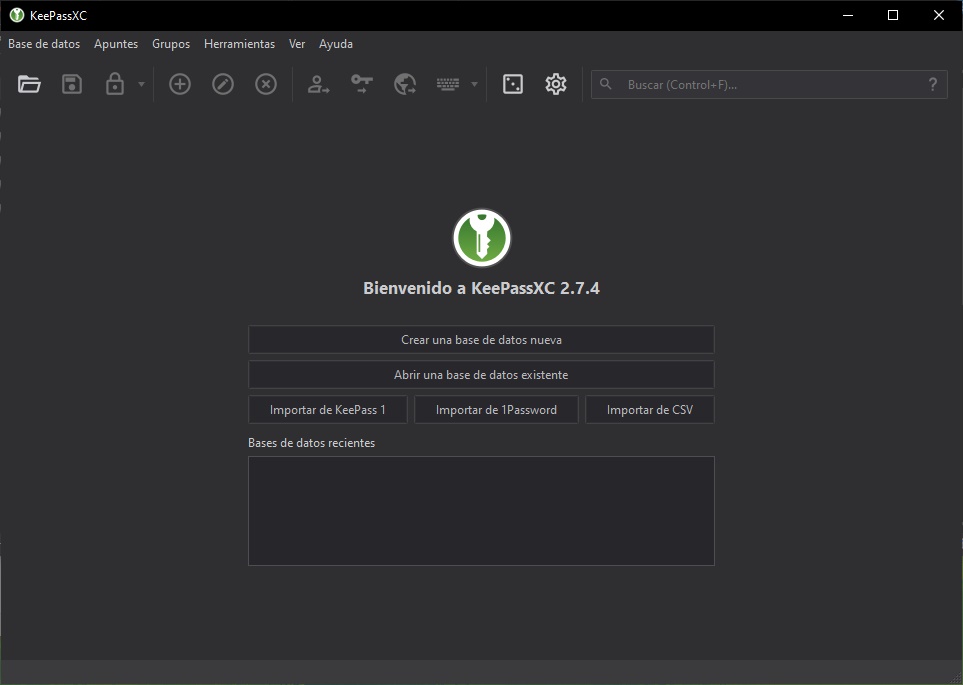
KeePassXC presents itself as a community fork of KeePassX, which in turn is a cross-platform port of KeePass. By not being as tightly coupled to the official client, KeePassXC drops both the triggers system and plugin support — something its developers explicitly reject. The application is available in multiple formats, ranging from traditional installers and legacy builds (for Windows 7 and 8.x), to the Windows Store and installation via Chocolatey / Winget.
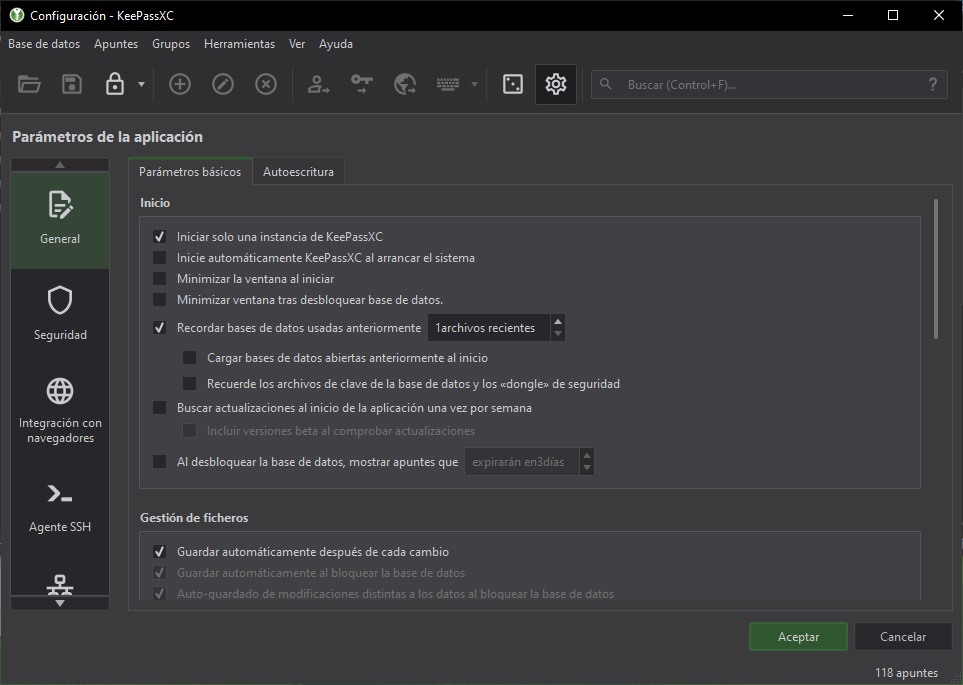
One of the first things that surprised me about KeePassXC (but makes a lot of sense) is the screenshot blocking feature. The images you see here were only possible after adding the –allow-screencapture flag to the shortcut. Second, entering the database password alone is not enough: it also prompts for the password or PIN of the Windows user profile before opening. And finally, I found a modern interface with dark mode support and features that stand up perfectly well against the original client.
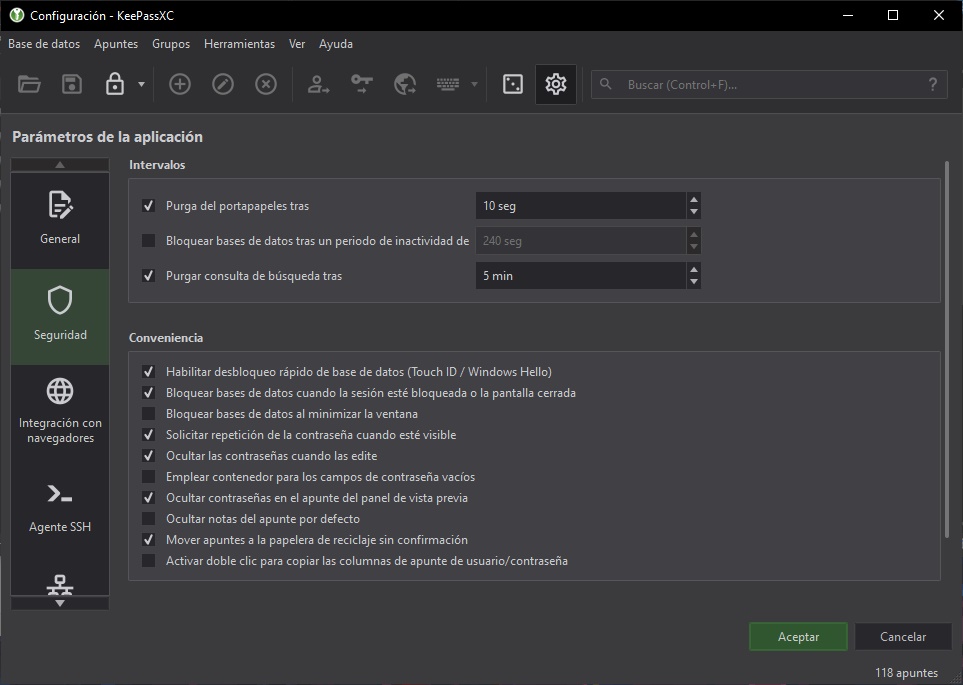
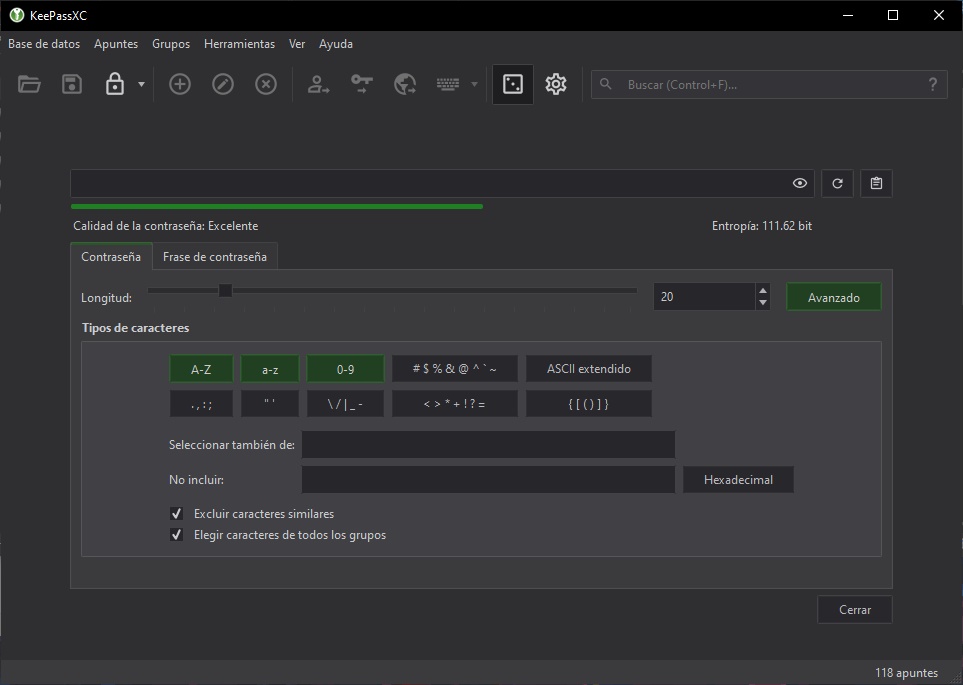
One more detail worth highlighting about KeePassXC is that its update cycles are not as frequent as KeePass’s — but since they are different projects, they don’t need to be. Personally, I think I’ll use KeePassXC for a couple of weeks. If the situation with KeePass continues trending in a more negative direction, we definitely have a solid replacement right here.