How to Improve Your WiFi Speed at Home (Practical 2026 Guide)
Why WiFi Is Slow
Real WiFi speed rarely matches the speed contracted with your ISP. The most influential factors are distance and obstacles between device and router, interference from other routers and home appliances, saturated WiFi channel, and internet plan speed.
Router Placement: The Most Important Factor
- Place it at the geographic center of your home for uniform coverage
- Vertical, not lying down — signal propagates horizontally
- At some height (1-1.5m from the floor)
- Away from interfering appliances: microwave, baby monitors, cordless phones
- Away from metal surfaces and aquariums (water absorbs WiFi signal enormously)
2.4 GHz vs 5 GHz: When to Use Each Band
- 5 GHz: faster (up to 3-4x), but shorter range (10-15m effective). Use for devices near the router: desktop PC, Smart TV, console
- 2.4 GHz: slower but longer range and better wall penetration. Use for distant devices: phones, tablets, IoT devices
Changing the WiFi Channel
- Access your router interface (usually 192.168.1.1 in your browser)
- In the WiFi section, find channel configuration
- For 2.4 GHz: use channel 1, 6, or 11 (the only non-overlapping ones). Use a WiFi Analyzer app to see which channels your neighbors use
- For 5 GHz: there are more channels and less saturation — automatic channel usually works well
When to Consider a Mesh System or Repeater
- WiFi Repeater: cheap (€20-50) but halves speed by repeating the signal
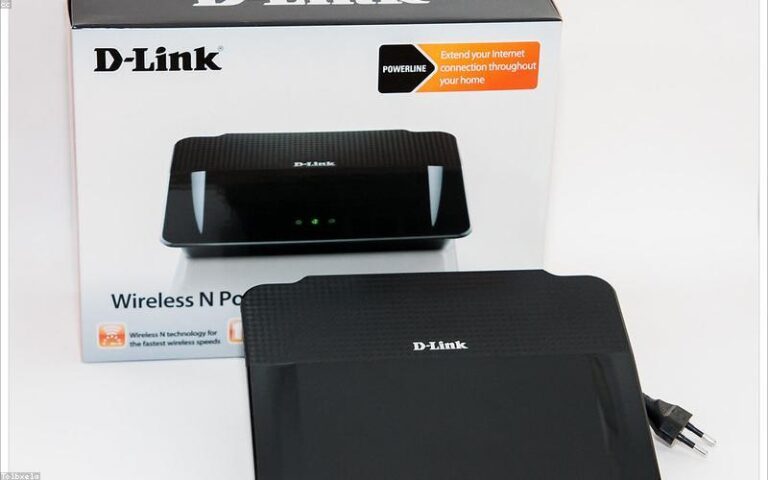
- PLC (Power Line): transmits internet over the home electrical wiring. More stable than a repeater
- Mesh System: multiple nodes forming a single WiFi network with seamless roaming. Best solution for large homes. Eero, Netgear Orbi, TP-Link Deco. From €100-200
Why is WiFi slow despite good signal?
Good signal doesn’t always mean good speed. If many devices are connected, bandwidth is shared. The WiFi channel may also be saturated or there may be interference.
Is it worth configuring the router’s QoS?
QoS (Quality of Service) prioritizes traffic from certain apps or devices. If you have lag in video games or cuts in video calls when someone downloads, enabling QoS can help.
Should I turn off the router when not in use?
Not necessary. Modern routers are designed to run 24/7 and consume very little electricity (5-10W).
Conclusion
60% of WiFi problems are solved by repositioning the router to the center of the home and changing the channel. If you already have optimal placement and still have coverage issues, a mesh system is the best-return investment.