KeePassXC: An Alternative to KeePass for Managing Your Passwords
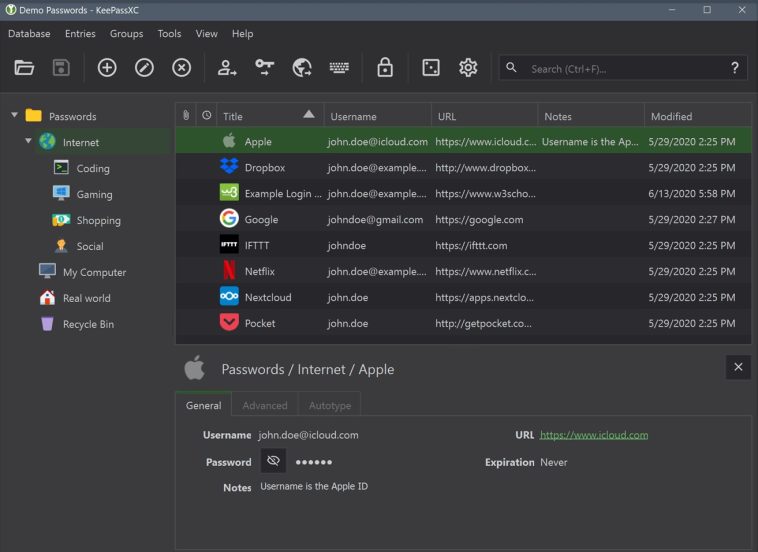
KeePass has been (and still is) a solid recommendation for managing passwords, but being an open source project, over time several interesting alternative clients emerged — and one of them is KeePassXC. This application not only opens databases compatible with KeePass 2.x, but also offers additional security features worth taking a closer look at.
Password managers are not having an easy time lately, and the reason is obvious: They are high-priority targets for many malicious actors out there. But today’s story begins with the publication of CVE-2023-24055, a vulnerability affecting KeePass 2.53 and earlier versions. How does the vulnerability work? KeePass has a triggers system that allows users to automate certain actions. With its default settings, an attacker with direct write access to the KeePass configuration file can set up a trigger so that database credentials are exported in plaintext silently in the background without user confirmation, once the database is opened.
Read also: Best Free Video Editors for Windows in 2026
But the real controversy arose because Dominik Reichl, KeePass’s developer, not only decided to dispute the validity of the CVE, but also effectively declared it a «wontfix.» Why? From his perspective, if an attacker has that level of access, the system is already compromised and they could do far worse things. The debate on the official KeePass forum is fascinating, with compelling arguments on both sides, but the real question is: what can a user do? In general terms, three paths are mentioned: downgrade to KeePass 1.4x, which does not have the triggers system; harden KeePass with a static configuration file; or look for an alternative client such as KeePassXC.
KeePassXC: A KeePass-Compatible Password Manager
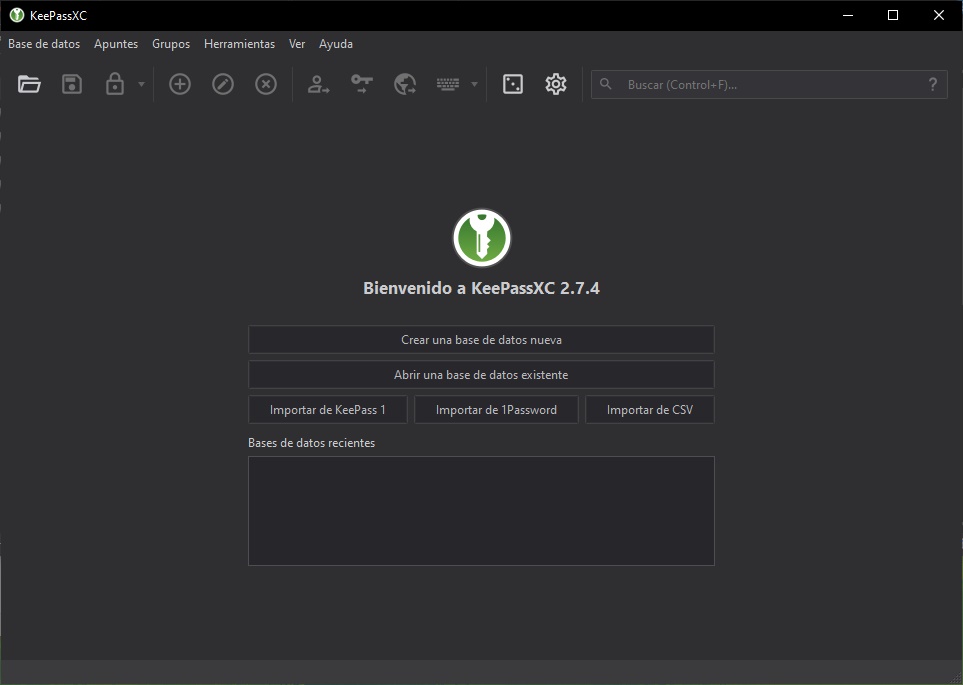
KeePassXC presents itself as a community fork of KeePassX, which in turn is a cross-platform port of KeePass. By not being as tightly coupled to the official client, KeePassXC drops both the triggers system and plugin support — something its developers explicitly reject. The application is available in multiple formats, ranging from traditional installers and legacy builds (for Windows 7 and 8.x), to the Windows Store and installation via Chocolatey / Winget.
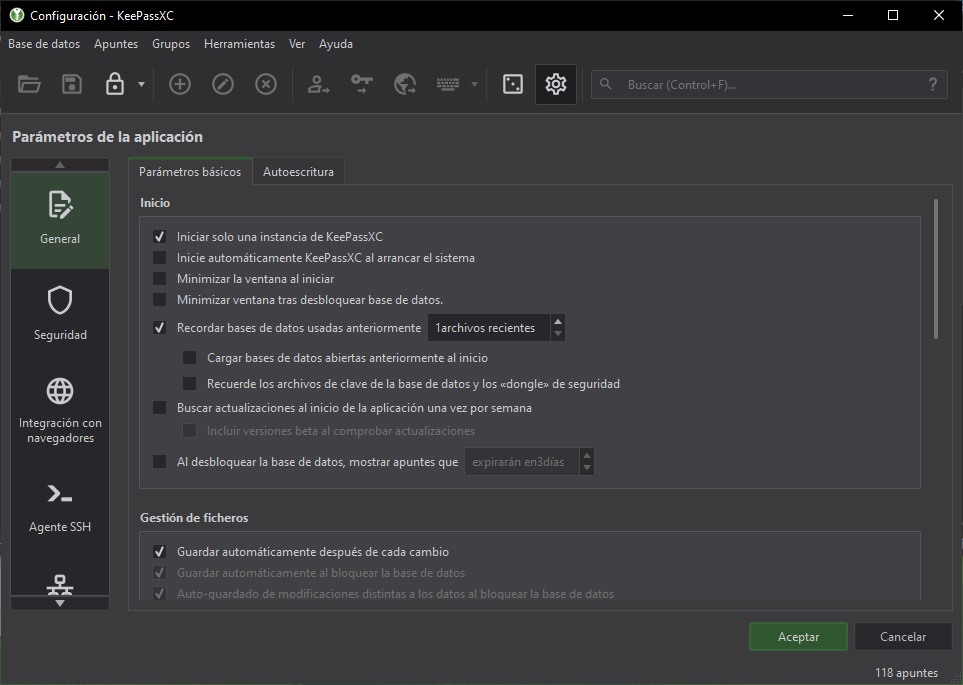
One of the first things that surprised me about KeePassXC (but makes a lot of sense) is the screenshot blocking feature. The images you see here were only possible after adding the –allow-screencapture flag to the shortcut. Second, entering the database password alone is not enough: it also prompts for the password or PIN of the Windows user profile before opening. And finally, I found a modern interface with dark mode support and features that stand up perfectly well against the original client.
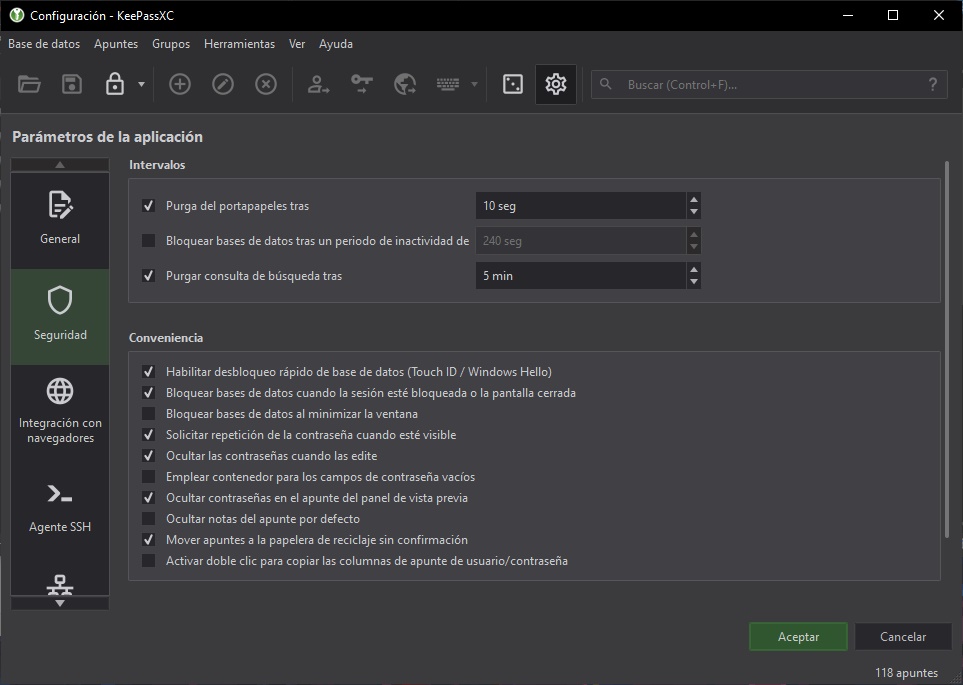
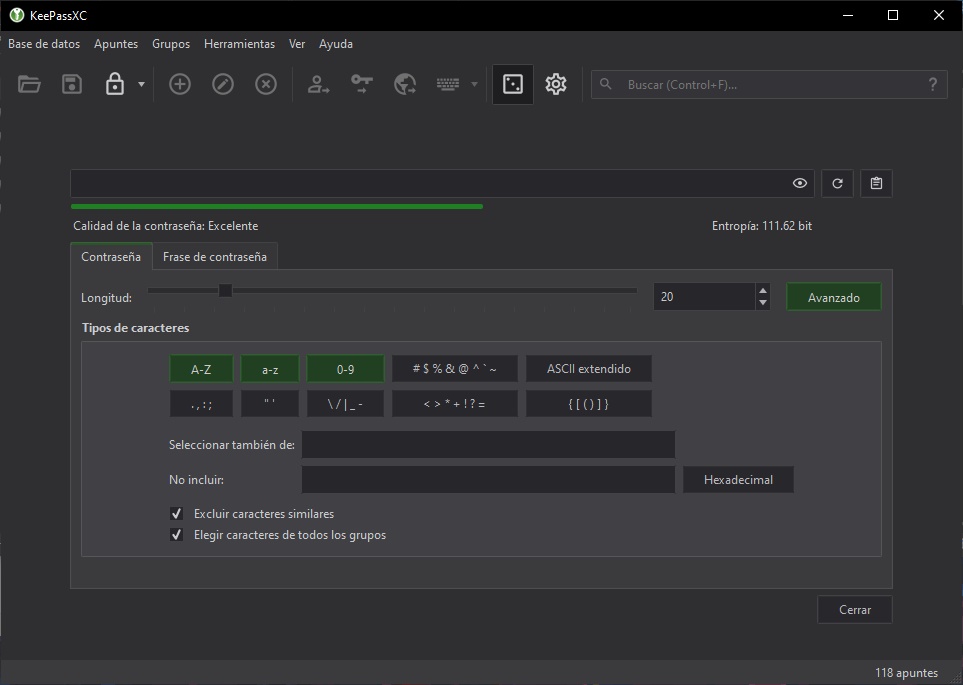
One more detail worth highlighting about KeePassXC is that its update cycles are not as frequent as KeePass’s — but since they are different projects, they don’t need to be. Personally, I think I’ll use KeePassXC for a couple of weeks. If the situation with KeePass continues trending in a more negative direction, we definitely have a solid replacement right here.
What Sets KeePassXC Apart
The main differences from the original KeePass are browser integration and cross-platform consistency. KeePassXC has official browser extensions for Chrome, Firefox, and Edge that work reliably out of the box — something KeePass requires third-party plugins for. It also looks and behaves the same on Windows, macOS, and Linux, which matters if you switch between systems.
The security model is the same: your passwords stay in an encrypted file on your device, never in the cloud. You control where that file lives and who has access to it.
Setting Up Browser Integration
Install the KeePassXC-Browser extension from your browser’s extension store. In KeePassXC, go to Tools → Settings → Browser Integration, enable it, and select your browser. The first time a website matches an entry in your database, it’ll ask to connect — authorize it once and it works automatically from there.
Auto-fill is then available on any site where you have a matching entry. It’s not quite as seamless as cloud-based managers like Bitwarden, but the trade-off is that nothing ever leaves your local machine.
Mobile Access and Sync
KeePassXC itself doesn’t have a mobile app, but the database format it uses is compatible with KeePass2Android (Android) and Strongbox (iOS). For sync, the typical approach is to store the .kdbx database file in a cloud folder — Dropbox, OneDrive, or a self-hosted option — and access it from both devices. It’s a manual setup but it works well once configured.
Who It’s For
KeePassXC suits people who want full control over their data and don’t mind a bit of setup. If you want something that just works with zero configuration, Bitwarden (which offers a solid free tier) is probably more appropriate. But if you’re the kind of person who doesn’t want your passwords sitting on someone else’s server, KeePassXC is hard to beat.
Frequently Asked Questions
Is KeePassXC compatible with KeePass databases?
Yes. KeePassXC opens .kdbx files created by KeePass 2.x. You can switch between them without needing to export or convert anything.
Can I sync KeePassXC across multiple devices?
Yes, by storing the .kdbx file in a cloud sync folder like Dropbox, OneDrive, or Nextcloud. Pair it with a compatible mobile app like KeePass2Android for full access everywhere.
Is KeePassXC safer than cloud password managers?
Different risk model, not necessarily safer. KeePassXC eliminates server-breach risk, but you’re responsible for backing up your database. If you lose the file and don’t have a backup, your passwords are gone.
Does KeePassXC have two-factor authentication?
Yes. It supports TOTP (the same type of code your authenticator app generates) and can serve as a 2FA manager alongside being a password manager.
Is KeePassXC free?
Completely free and open-source. No subscriptions, no premium tiers, no ads.