How to Secure Your Home WiFi Network
Step-by-step guide to securing your home WiFi: strong passwords, WPA3 encryption, guest networks, firmware updates, and disabling risky router features.
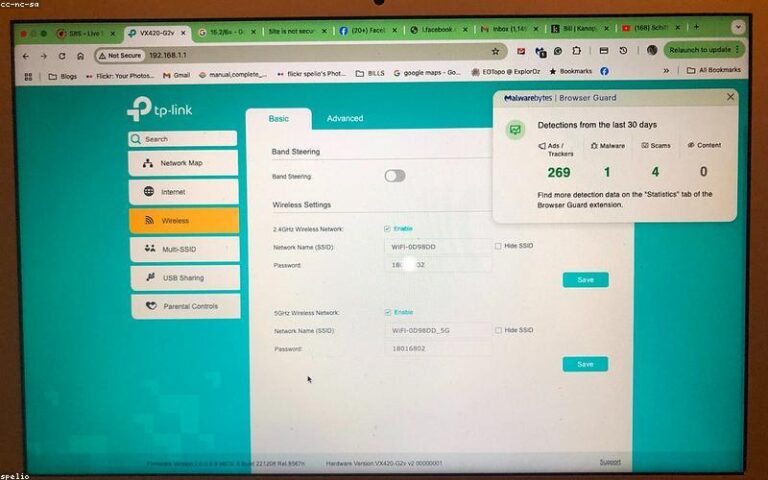
Step-by-step guide to securing your home WiFi: strong passwords, WPA3 encryption, guest networks, firmware updates, and disabling risky router features.

Windows 11 WiFi keeps disconnecting? Fix random drops with adapter power settings, driver updates, network reset, and router and band tweaks.
Slow WiFi on Windows 11 when other devices work fine is usually a driver or configuration issue, not a router problem. Here is a complete step-by-step…

Need to connect a new device but cannot remember the WiFi password? If your Windows 11 PC is already connected to that network, you can find the saved…
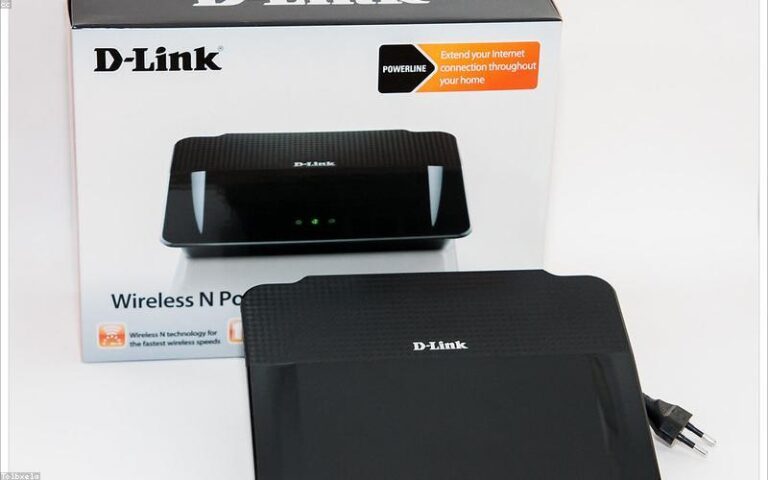
Dead zones don’t have to be permanent. Here’s how to extend WiFi to every corner of your home, sorted by budget — with honest advice on what actually works.
Most routers run on factory defaults forever — weak passwords, outdated firmware, broken security. Here’s how to fix that in 15 minutes.

How to test your internet speed accurately and understand download, upload, ping, jitter, and how much speed you really need.
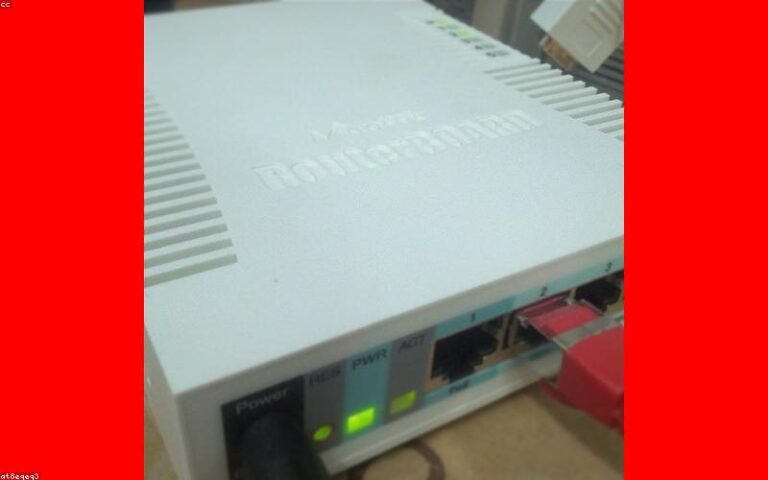
Best tricks to improve WiFi speed and coverage at home: router placement, channels, 2.4 vs 5 GHz, QoS settings, and when to consider a mesh system.